Audio to Any DevicePer Tab
Send each browser tab's audio to a different output device. Game to headset, music to speakers. No VoiceMeeter, no virtual cables, just one click.
Select Output Device
Click again to switch device
One Extension, Full Control
Free core routing. Pro unlocks the full power.
Per-Tab Audio Routing
Route up to 3 tabs to different output devices — free.
FreeUnlimited Tab Routing
No limit on simultaneous audio routes across all tabs.
Pro10-Band Pro EQ
Graphic equalizer with ISO standard frequencies, per-band Q control, and a real-time frequency response curve.
ProEQ Preset Library
Save and edit unlimited EQ presets. Simple 3-band or Pro 10-band — bind any preset to each output device.
ProSound Stage
Place each tab's audio in a virtual sound stage. Drag sources around the listener for spatial positioning.
ProTab Mixer Dashboard
Manage volume (up to 600%), EQ, live visualizers, and audio mirroring for every routed tab.
ProDevice Profiles
Switch devices per tab instantly. Auto-routing rules and saved presets included.
ProBuilt for Audio Control
Everything you need to manage browser audio, in one extension.
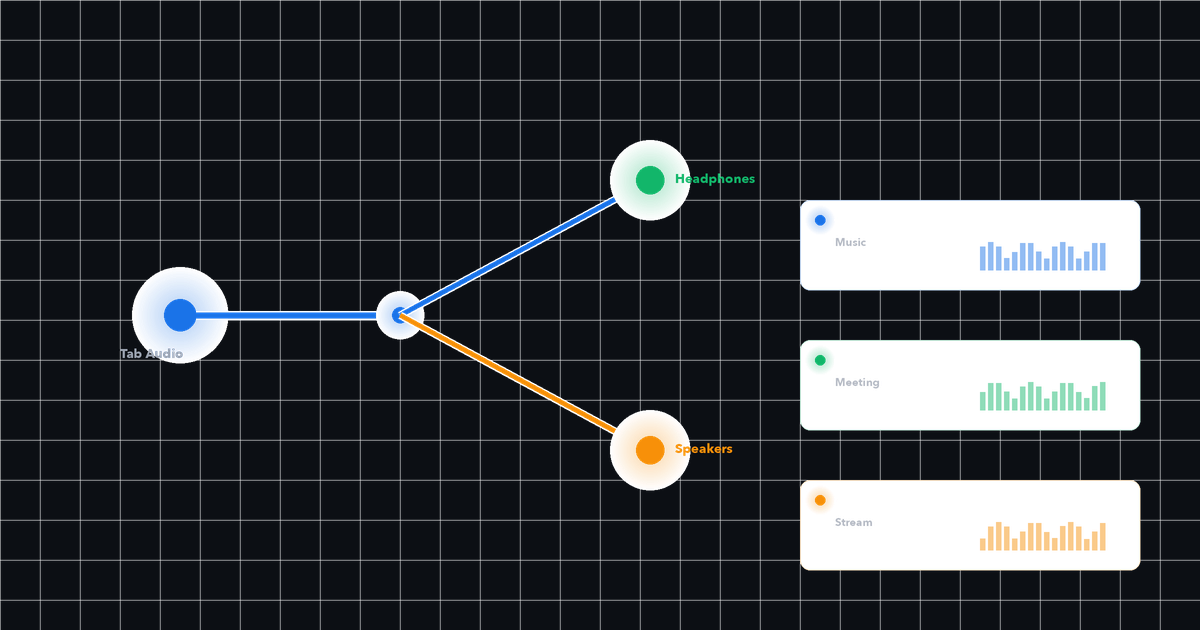
Per-Tab Audio Routing
Send each browser tab to a different output device. Game audio to your headset while music plays on speakers — simultaneously, independently.
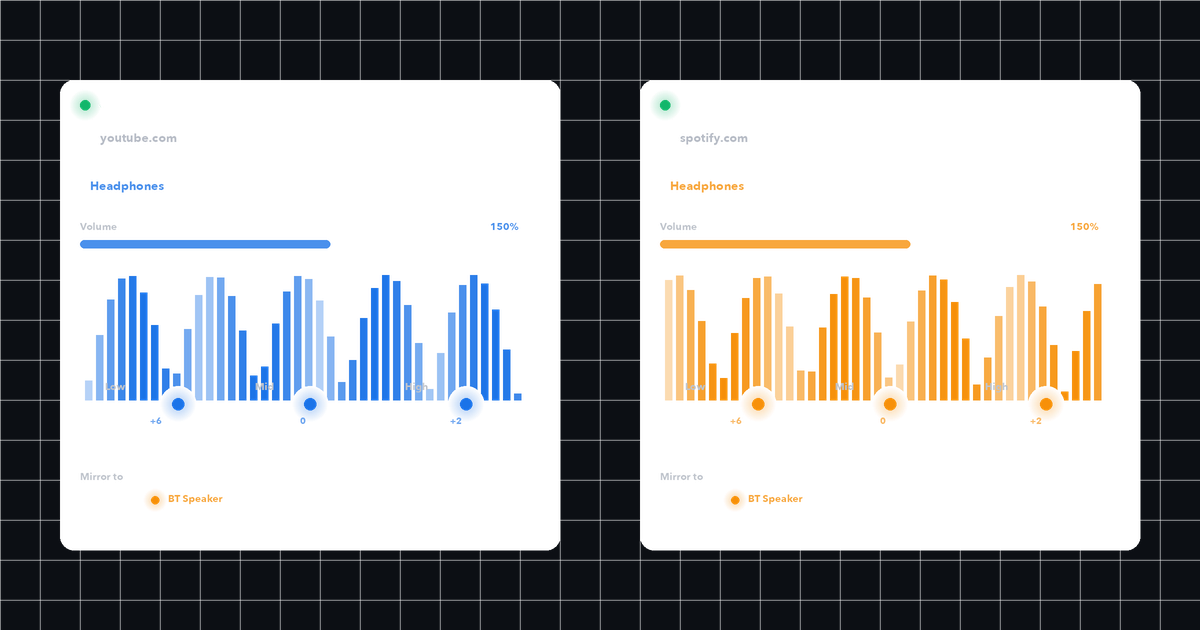
Tab Mixer Dashboard
Manage volume, EQ presets, and device routing for every tab in one place. Real-time controls with per-tab volume boost up to 600%.
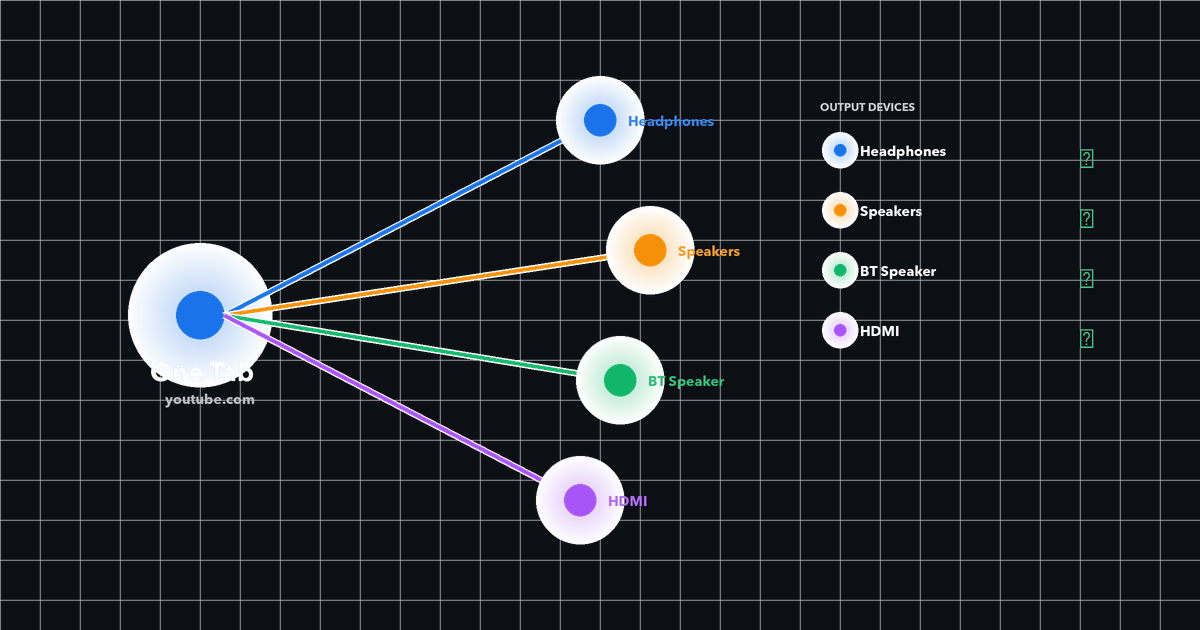
Audio Mirror
Send one tab's audio to multiple devices at the same time. Perfect for monitoring on headphones while playing on speakers.
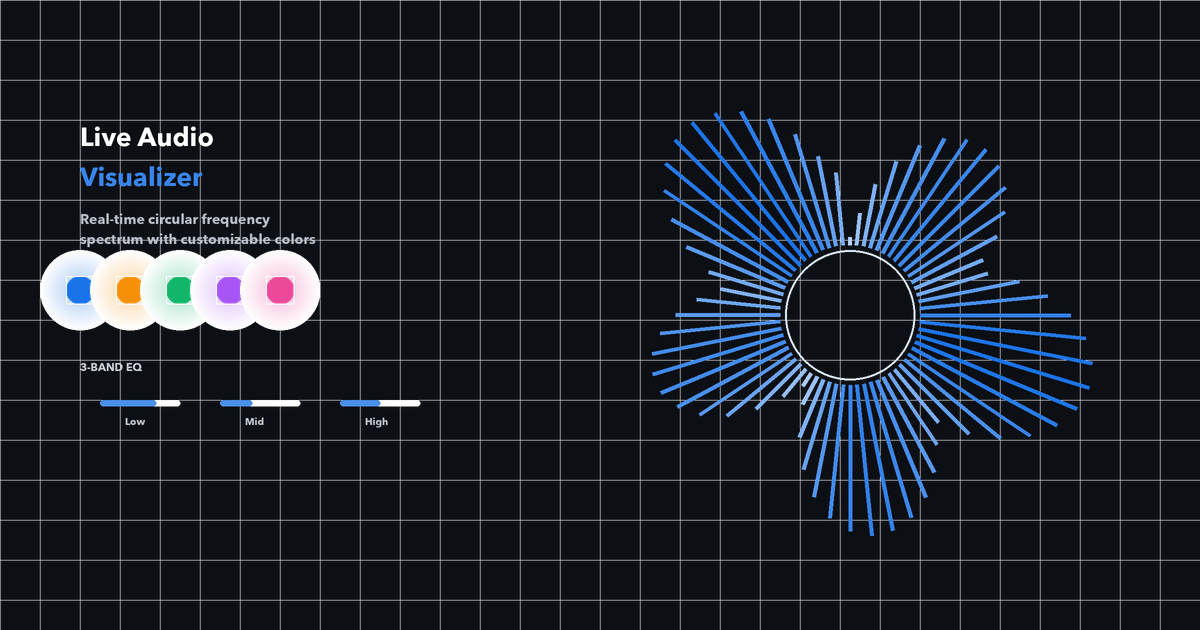
Circular Visualizer + EQ
Watch your audio come alive with a real-time circular frequency spectrum. Pick your color, tune the 3-band EQ, feel the sound.
How It Works
Three clicks. No setup. No virtual cables.
Click the extension icon
See all available audio output devices on your system.
Pick a device for this tab
Select headphones, speakers, or any connected device.
Audio plays through your choice
The tab's audio instantly routes to the selected device.
Guides & Tips
Practical ways to get more out of per-tab audio routing.
Audio Router Switch guide for Chrome users
A practical guide to routing browser audio per tab with Audio Router Switch, without leaving the page where the media plays.
Chrome audio routing checklist: before and after using Audio Router
Use this checklist to decide where Audio Router belongs in your multi-tab Chrome audio setup.
Audio Router Switch Free vs Pro: when to upgrade
Compare the Free and Pro boundaries in Audio Router Switch so you can choose the right plan for your routing workflow.